

See Ellie in Your Workflow
Sourcing and Outreach
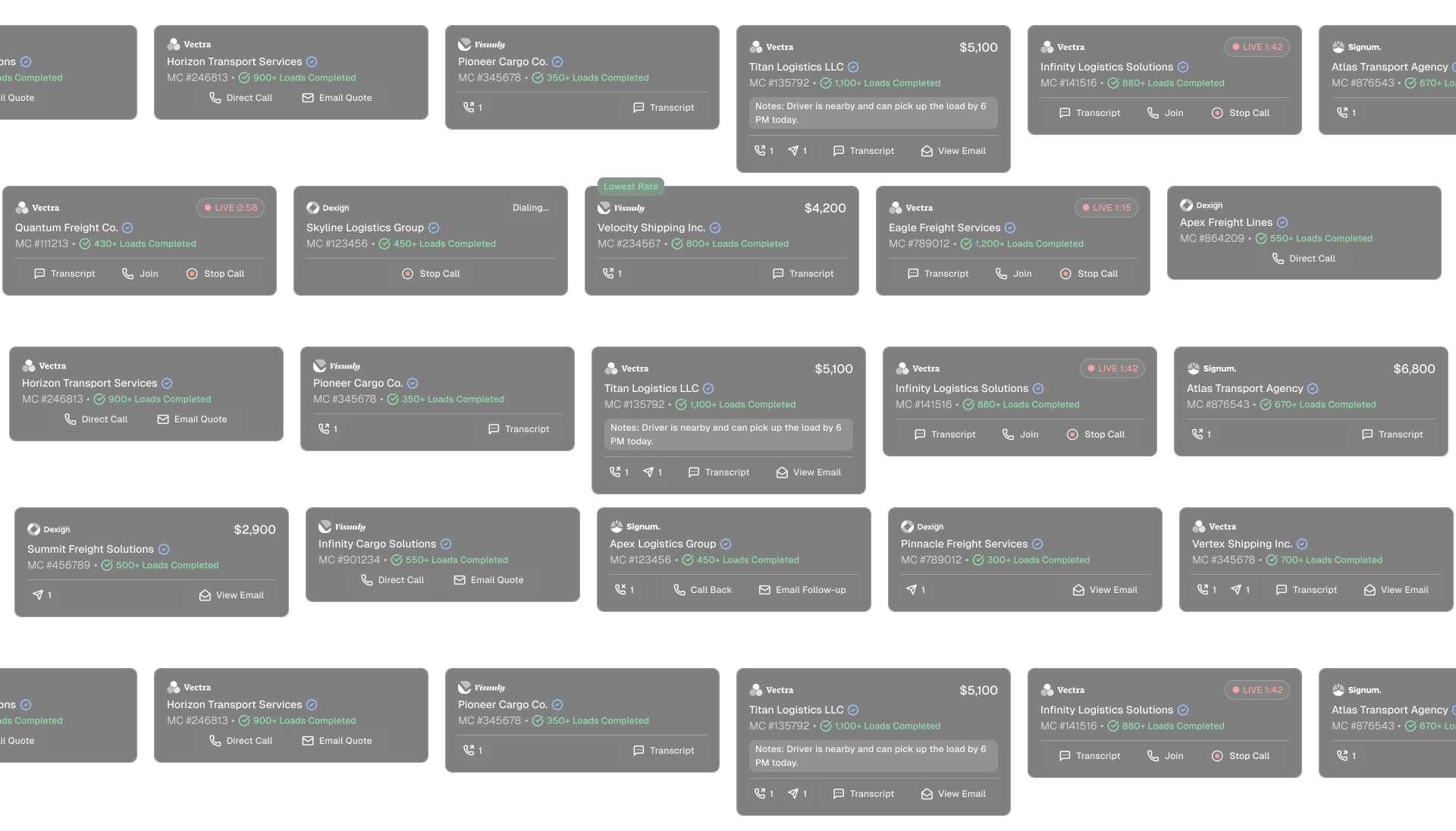
Launch Ellie inside the page your rep is already working in. She pulls in load details, ranks carriers using your data, and starts outreach within your team’s channels.
Verification
Ellie checks MC, DOT, safety, insurance, and fraud signals as the carrier moves toward booking, so compliance becomes part of the workflow instead of a separate step.
Rep Review
When a decision needs human judgment, Ellie brings the work back to the rep with the carrier, rate, equipment, compliance status, and context already assembled.
Admin Controls
Your team sets the operating rules: max buy caps, carrier scoring, escalation paths, communication preferences, and workflow settings. Ellie executes inside those guardrails.
The Fasttrack to Meaningful Impact
We walk through your workflow, your guardrails, and the operational questions that determine whether Ellie can execute inside your environment.
Step 1
Install the Chrome extension where your reps already work.
Step 2
Connect the tools that matter to your workflow, including your TMS, inbox, phone, and other supported systems.
Step 3
Set the rules: buy caps, carrier scoring, communication preferences, escalation paths, and approval points.
Step 4
Put Ellie on live freight and watch how the work moves from ask to sourcing, outreach, negotiation, verification, rep review, and booking.
Walkthrough:
8 Unlocks. One Carrier Rep Workflow.
For Carrier Reps
Ellie helps reps move faster through the repeatable parts of the workflow while keeping them involved when relationships, judgment, or approval matter.
For Brokerage Leaders
More freight through the same team, stronger visibility into execution, and a way to scale output without making headcount the only lever.
You Set the Rules